App Information
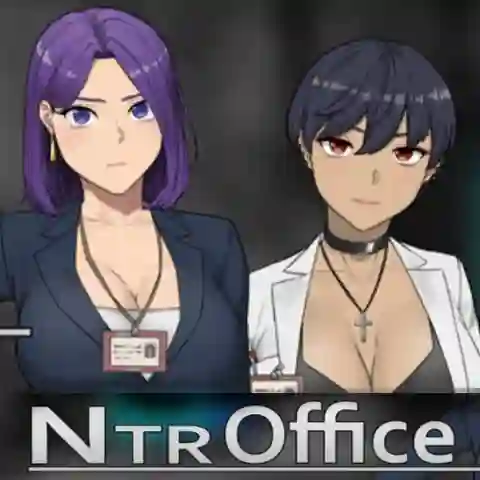
| App Name | NTR Office |
| Version | 20250529 Steam |
| Developer | Night-Day-Night-Nine |
| Size | 367 MB |
| Android Required | Android 10 and up |
| MOD Features | Android Port |
| Category | Role Playing |
| Related Game | Fashion Business |
How to Play PC Game on Android Using Winlator
- Download and extract the NTR Office PC.zip file.
- Install the Winlator APK on your Android device.
- Open Winlator, tap the + icon, then tap ✓ to create a new container.
- Tap the ▶️ Play button to launch the container.
- Open D: Storage, then locate the extracted NTR Office folder.
- Double-click NtrOffice.exe to start the game.
- Open Input Controls from the side menu and select your preferred control layout.
Enjoy playing the NTR Office PC version on Android using Winlator.