App Information
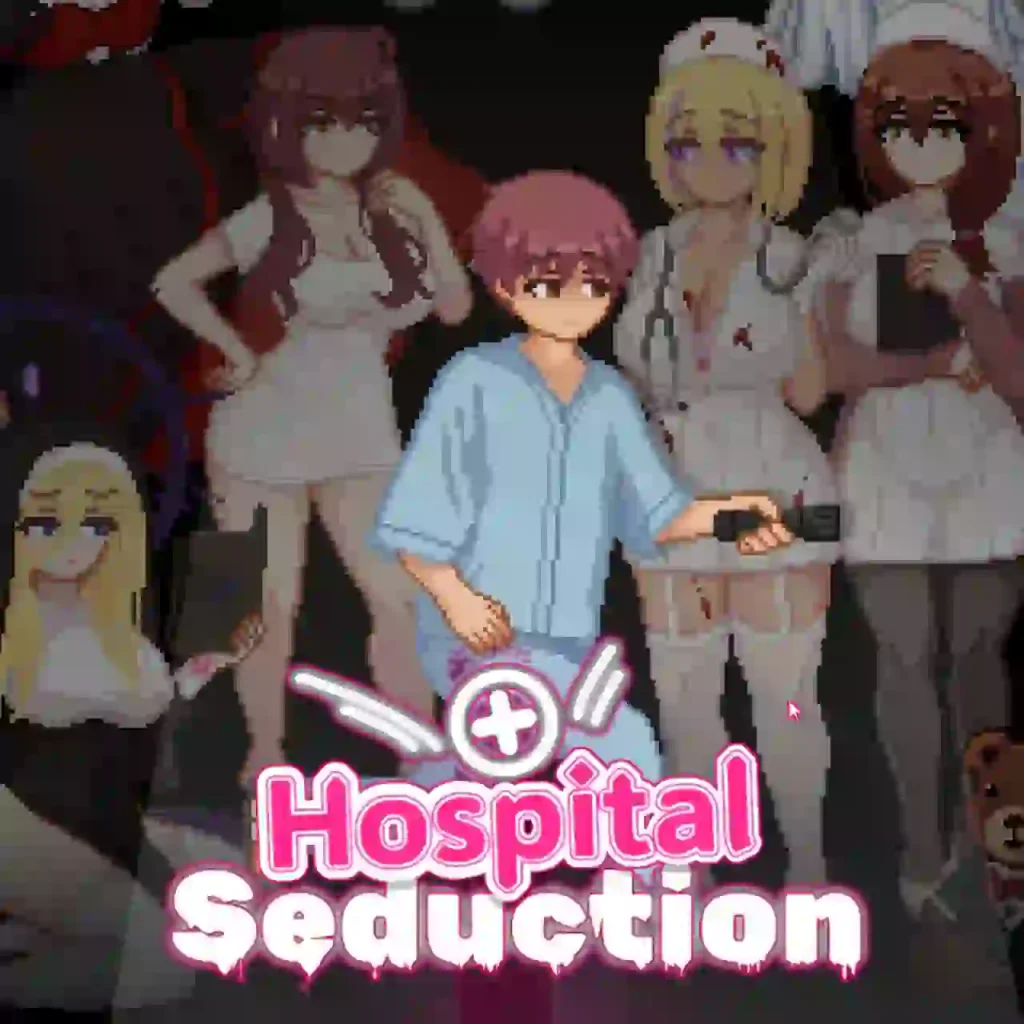
| App Name | Hospital Seduction |
| Version | v1.1.2 Patreon |
| Developer | Tsurisu |
| Size | 159 MB |
| Android Required | Android 9.0+ |
| MOD Features | Gallery Unlocked |
| Category | Adventure |
| Related Game | Tag After School and Escape From The Strange Prison |
DOWNLOAD PC Version (159 MB)
DOWNLOAD Winlator PC Emulator APK (141 MB)
How To Play Hospital Seduction PC Game on Android with Winlator
- Download the Hospital Seduction PC files and extract them on your Android device.
- Install the Winlator APK on your phone.
- Launch Winlator, tap the “+” button, and create a new container with default settings.
- Press the ▶️ Start button to open the Windows emulator environment.
- Go to D: Storage and open the extracted Hospital Seduction folder.
- Run the game by double-clicking on Hospital Seduction.exe.
- Open the side menu, select Input Controls, and choose your preferred controls.
- The game is now ready to play on Android using Winlator.