
Download the latest JoiPlay APK Patreon Build for Android with updated plugins. Emulator for playing compatible PC indie games without native porting.

App Information
| App Name | JoiPlay |
| Version | 1.21.000 |
| Developer | JoiPlay |
| Size | 26 MB |
| Android Required | Android 6+ |
| MOD Features | Patreon Version |
| Category | Emulators |
| Related Game | GameHub Emulator |
Introduction to JoiPlay Emulator
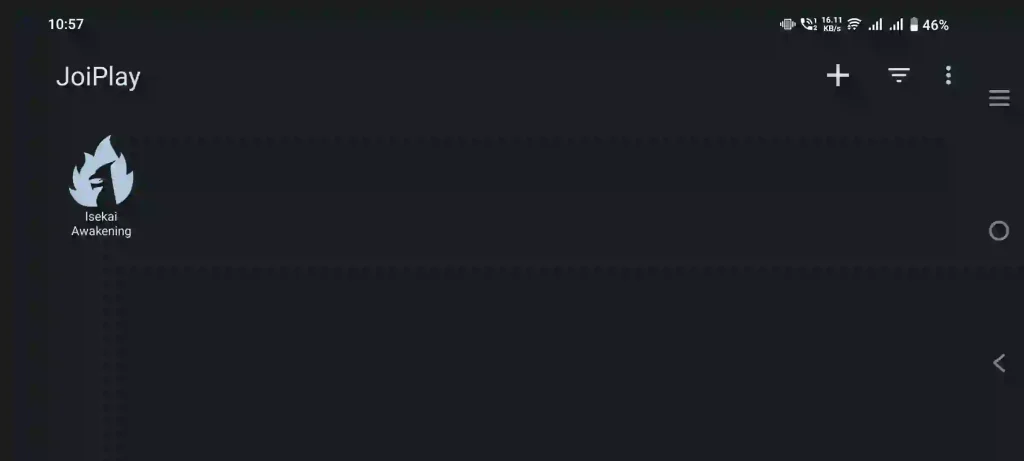
PC indie games have built a huge fan base thanks to their unique stories, creative gameplay, and passionate developers. However, many of these games are never officially released for Android devices. JoiPlay APK Patreon Build bridges that gap by letting you enjoy compatible PC game projects on your smartphone without requiring a native Android port. With support for multiple game engines and regularly updated plugins, JoiPlay has become a popular choice among players who want to carry their favorite indie games wherever they go.
Whether you love visual novels, RPG Maker adventures, or browser-based games, JoiPlay provides a convenient way to launch supported titles directly from your Android device.
What Makes JoiPlay Different?
Unlike a traditional emulator that recreates an entire PC environment, JoiPlay is designed specifically to interpret games made with supported engines. This approach reduces unnecessary overhead while allowing compatible games to run efficiently on Android.
The application also uses a modular plugin system, meaning each supported engine has its own plugin. This makes updates easier and helps improve compatibility over time without requiring users to reinstall the entire application.
Supported Game Development Engines
JoiPlay supports many of the most popular engines used by indie developers around the world.
- Ren’Py: Ideal for visual novels featuring branching storylines, rollback functionality, save systems, animations, and customizable user interfaces.
- RPG Maker Series: JoiPlay supports multiple RPG Maker versions, including: RPG Maker XP, RPG Maker VX, RPG Maker VX Ace, RPG Maker MV, and RPG Maker MZ. These engines power thousands of classic and modern RPG games.
- TyranoBuilder: Enjoy interactive visual novels created with TyranoBuilder’s beginner-friendly development tools.
- Construct 2 & Construct 3: Play numerous event-driven indie games created with Construct’s popular game development platform.
- Godot (GDScript): Supports compatible Godot projects developed using GDScript.
- Adobe Flash: Run many classic Flash games that were originally designed for desktop browsers.
- HTML5 Games: Launch compatible browser-based games built using modern HTML5 technology.
Top Features of JoiPlay APK
JoiPlay includes numerous features that make playing PC indie games on Android simple and enjoyable.
- Supports multiple popular game engines.
- Modular plugin architecture.
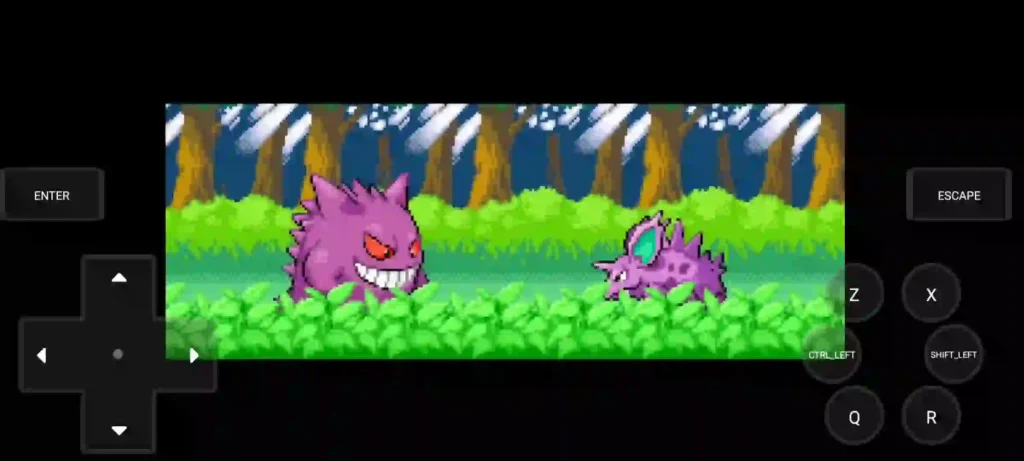
- Customizable virtual gamepad controls.
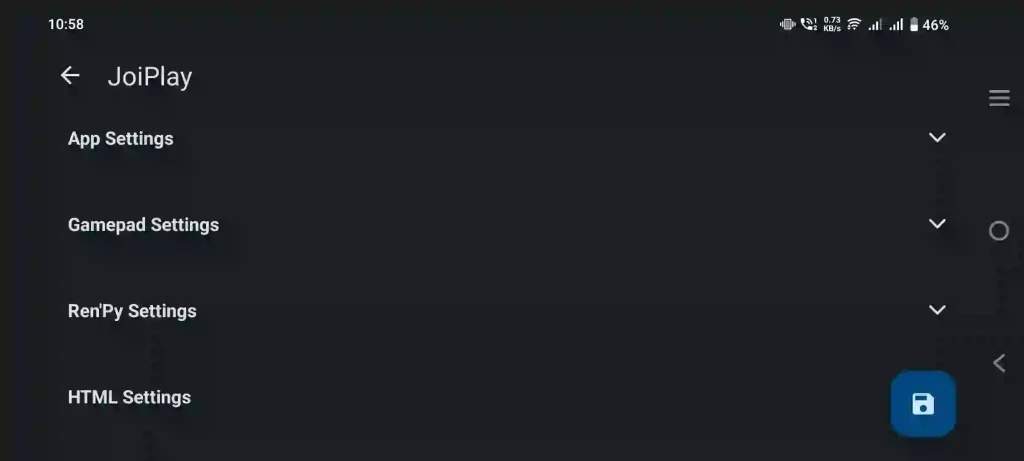
- Individual settings for each game.
- Lightweight and easy-to-use interface.
- Supports Game.exe and HTML5 game files.
- Built-in game library.
- No native Android port required.
- Compatible with thousands of indie games.
- Frequently updated plugins for better compatibility.
Installation Guide
Installing JoiPlay is quick and beginner-friendly.
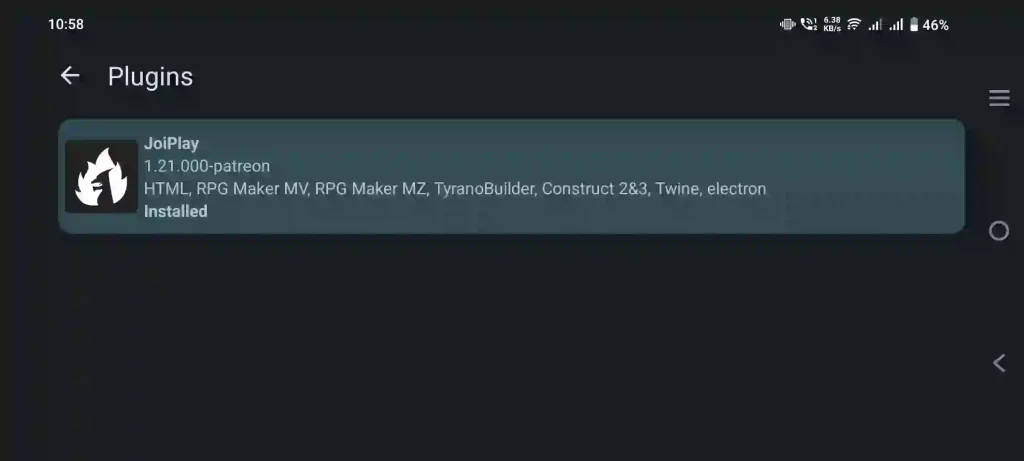
- Download the JoiPlay APK along with the required engine plugins.
- Enable Install from Unknown Sources in your Android settings if it isn’t already enabled.
- Install the application and the appropriate plugins.
- Transfer your PC game folder to your Android device or download it directly from an official source.
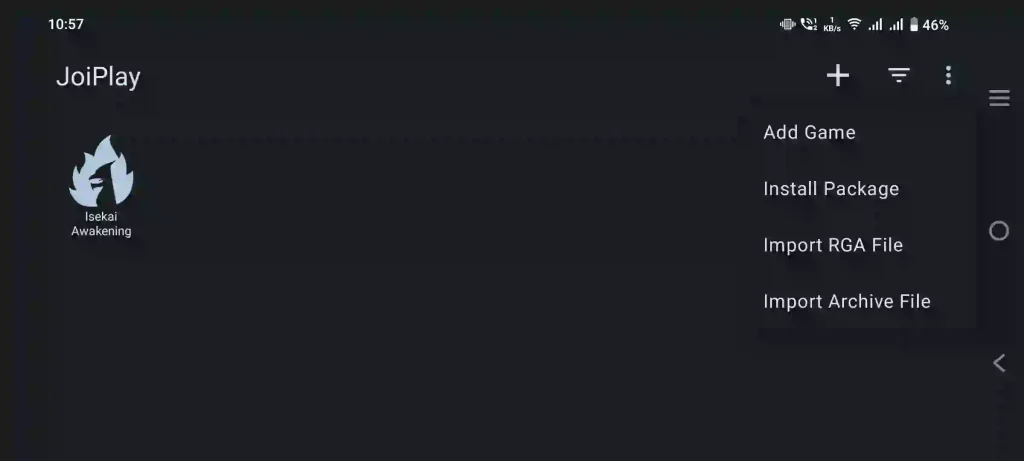
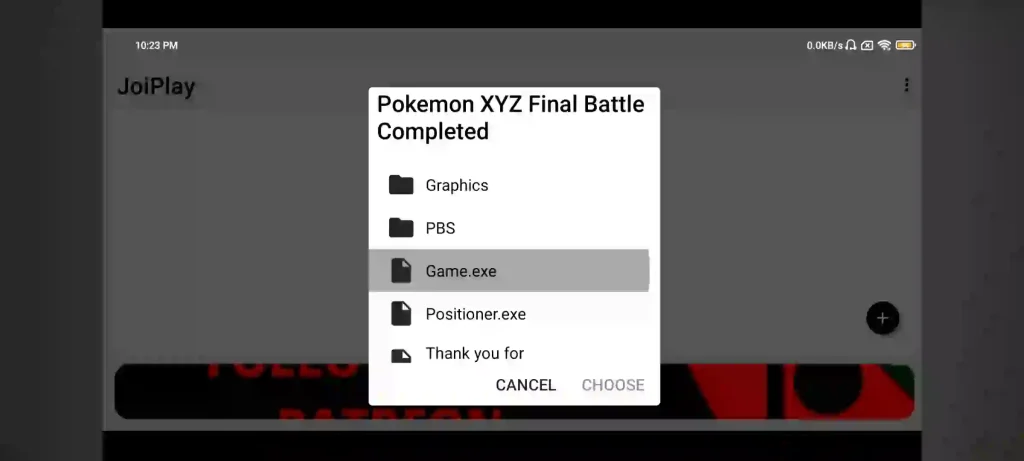
- Open JoiPlay and tap the + button.
- Select Add Game and browse to the game’s executable file, such as Game.exe or index.html.
- Configure your preferred controls and launch the game.
Why Players Prefer JoiPlay
One of the biggest advantages of JoiPlay is convenience. Instead of sitting at a desktop computer, players can continue their favorite indie adventures from almost anywhere.
Its touchscreen controls can be customized to suit different game genres, making gameplay much more comfortable on mobile devices. The built-in launcher also keeps your collection organized, allowing you to quickly access recently added games.
Because the application supports multiple engines through plugins, users only need to install the components required for the games they actually play.
Best Use Cases
JoiPlay is suitable for a wide variety of indie games, including:
- Story-rich visual novels
- Classic RPG Maker adventures
- Browser-based HTML5 games
- Construct engine games
- Interactive fiction
- Adventure games
- Puzzle games
- Fan-made indie projects
Its broad compatibility makes it one of the most versatile Android game launchers available for supported PC game engines.
Final Words
JoiPlay APK Patreon Build is an excellent solution for Android users who want to play compatible PC indie games without waiting for official mobile releases. Its support for Ren’Py, RPG Maker, TyranoBuilder, Construct, Godot, Adobe Flash, and HTML5 games gives players access to an enormous library of indie content.
Combined with updated plugins, customizable controls, and a lightweight interface, JoiPlay delivers a smooth and convenient gaming experience. If you’re looking for a reliable emulator to enjoy supported PC indie games on Android, JoiPlay is definitely worth trying.
Frequently Asked Questions (FAQ)
JoiPlay is an Android game interpreter and launcher that allows users to play compatible PC indie games created with supported game engines without requiring native Android ports.
JoiPlay supports Ren’Py, RPG Maker XP, VX, VX Ace, MV, MZ, TyranoBuilder, Construct 2, Construct 3, Godot (GDScript), Adobe Flash, and HTML5 games.
Yes. Most supported engines require their corresponding JoiPlay plugins for proper compatibility and performance.
Yes. JoiPlay supports RPG Maker XP, VX, VX Ace, MV, and MZ projects.
Yes. It fully supports many visual novels developed with the Ren’Py engine and TyranoBuilder.
Open JoiPlay, tap the + button, choose Add Game, and select the game’s executable file such as Game.exe or index.html.
No. JoiPlay is designed to run compatible game projects without requiring developers to create native Android versions.
Yes. JoiPlay includes customizable virtual gamepad controls that can be adjusted for individual games.