
Download Winlator Ludashi APK PC Emulator for Android with improved Vulkan rendering, faster setup, better controls, and stable gameplay.
App Information
| App Name | Winlator Ludashi |
| Version | 3.1 |
| Developer | StevenMXZ |
| Size | 452 MB |
| Android Required | Android 9.0+ |
| MOD Features | Optimized |
| Category | Tools |
| Related Game | PS5 Emulator |
Introduction to Winlator Ludashi PC Emulator
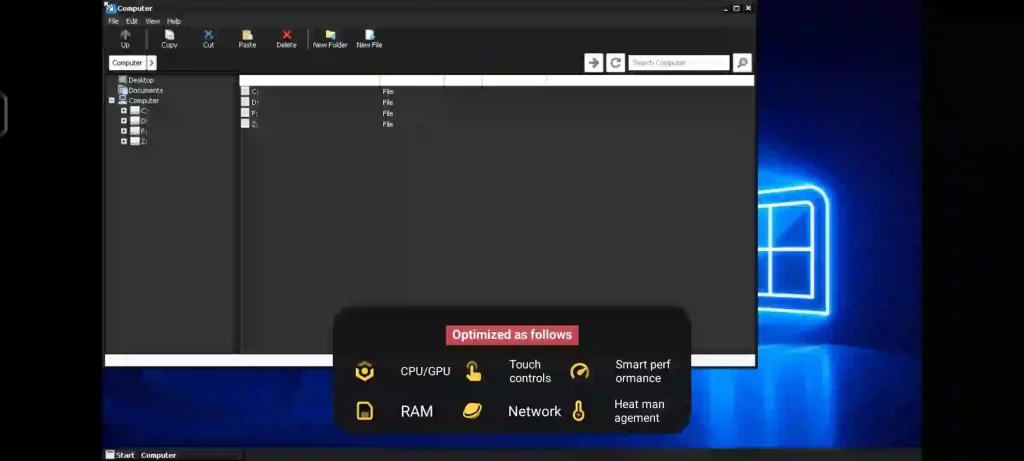
Android devices have become incredibly powerful over the years, allowing users to perform tasks that were once limited to desktop computers. Winlator Ludashi APK takes advantage of this power by enabling Windows applications and games to run directly on Android devices. Whether you’re interested in classic PC games, lightweight software, or experimental Windows programs, this application provides a convenient way to access them without requiring a computer.
Based on the Winlator Bionic project, the Ludashi edition includes several optimizations and improvements designed to deliver a smoother experience across a wide range of Android hardware.
Why Choose Winlator Ludashi?
The Ludashi build is a special version of Winlator that uses a package name similar to the popular Ludashi benchmarking application. Some Android manufacturers automatically recognize benchmark applications and may activate enhanced performance profiles when they are launched.
This behavior can help reduce throttling and allow devices to maintain higher performance levels while running demanding Windows applications. Although the core functionality remains identical to the standard Winlator release, the modified package name can provide additional benefits on supported devices.
Built for Modern Android Hardware
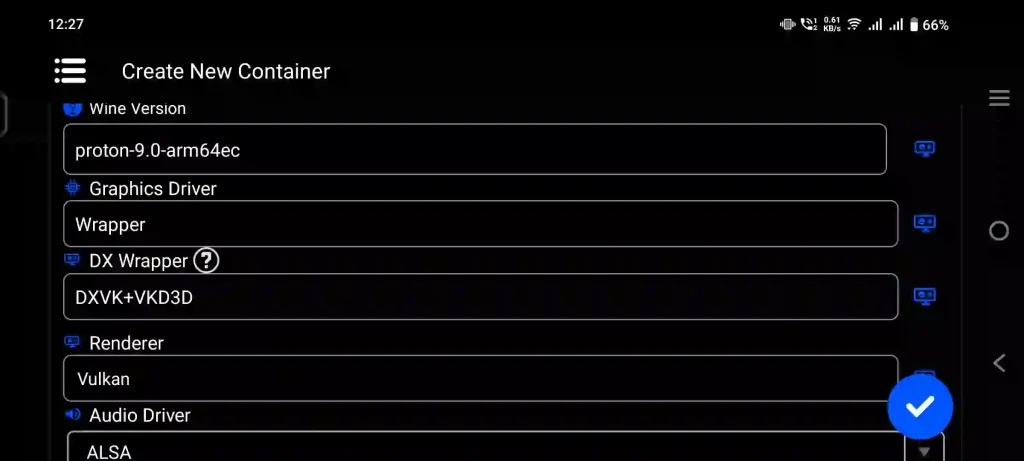
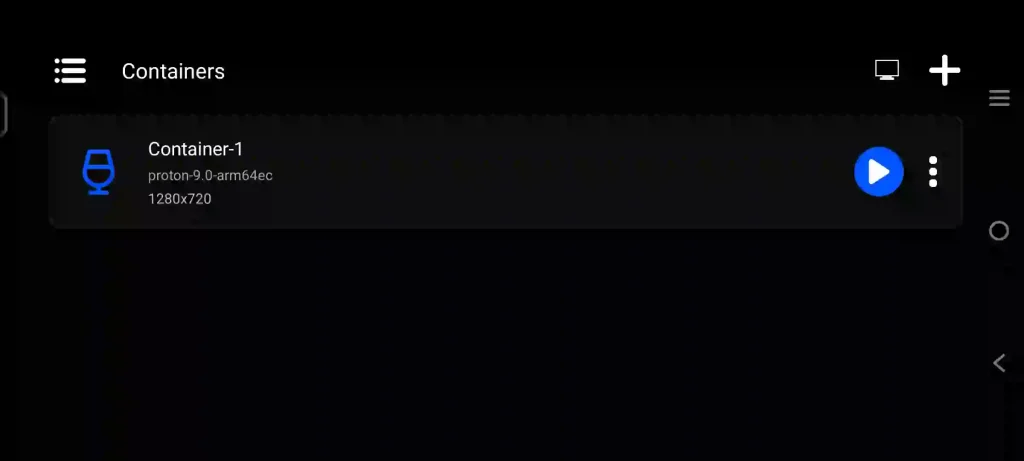
Winlator Ludashi supports multiple execution methods, making it compatible with both older and newer Android devices. Users can create different container types depending on their needs.
Traditional x86_64 containers rely on Box86 and Box64 technologies to translate Windows instructions into formats compatible with Android processors. For newer setups, Arm64EC containers utilize FEXCore to improve compatibility and performance when running 32-bit and 64-bit applications.
This flexible architecture allows users to experiment with different configurations and find the best setup for their favorite software.
Highlights of Latest Update
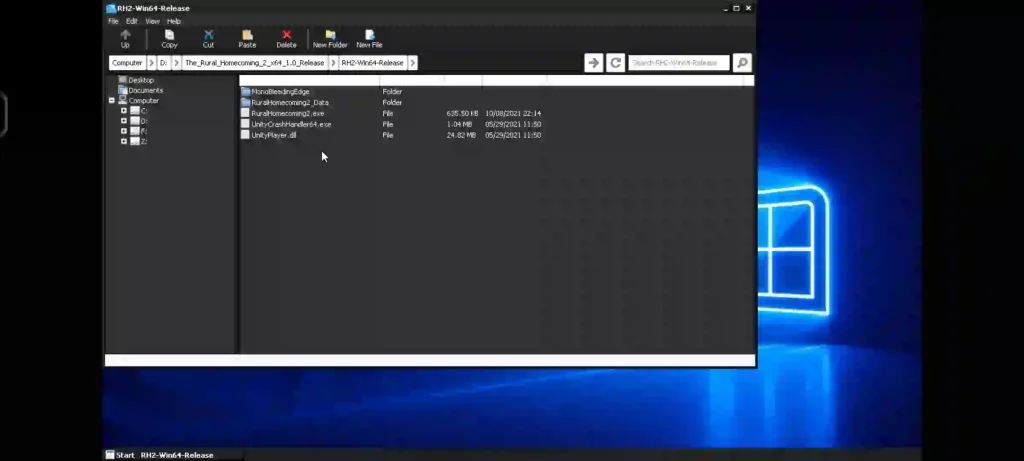
The latest update introduces numerous improvements that focus on performance, compatibility, and overall usability.
One of the most important changes is the major overhaul of the Vulkan Renderer. This update improves graphics compatibility and delivers better performance in many applications and games. Users with Mali-powered devices will also notice that previous color rendering issues have been fixed.
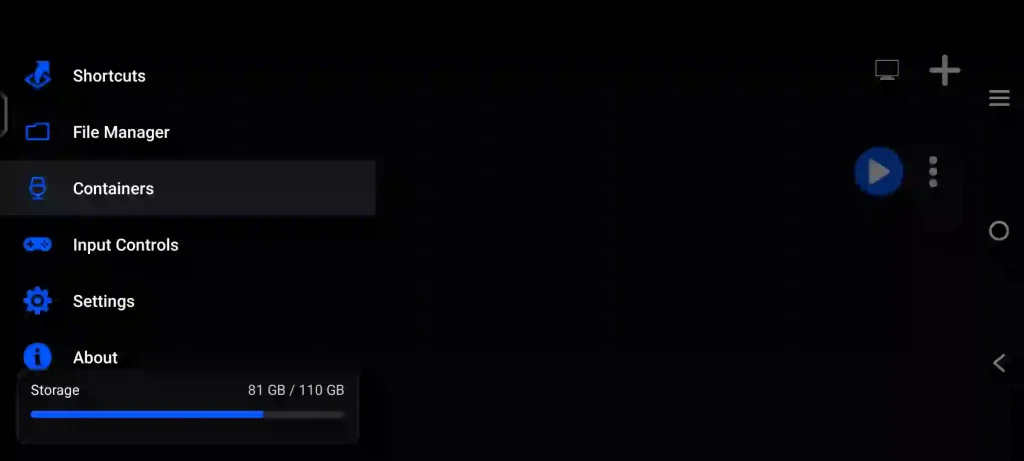
The user interface has been redesigned to provide a cleaner and more modern appearance. Navigating through settings, containers, and shortcuts is now easier and more intuitive.
Installation speeds have also improved significantly. The ImageFS installation process is now up to twice as fast, reducing the amount of time required for initial setup.
Better Controls for Gaming
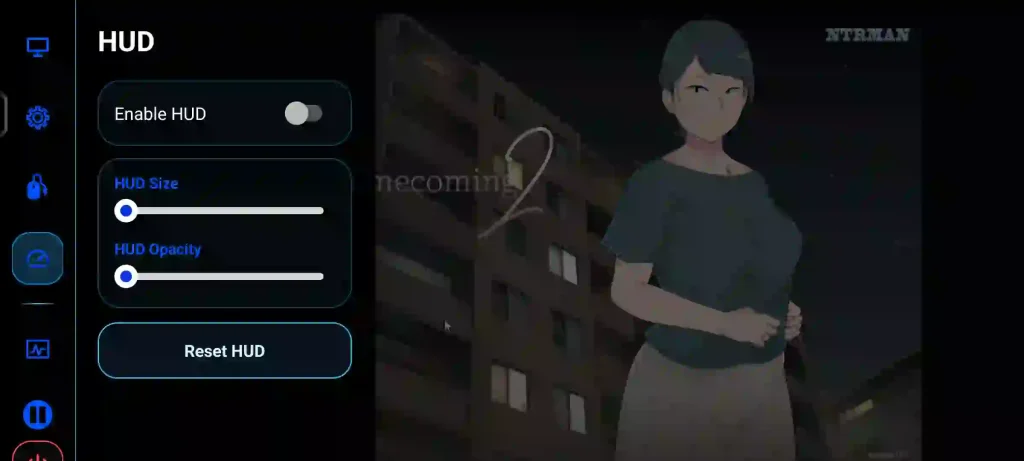
Mobile gaming requires reliable controls, and version introduces several improvements in this area.
New touch controller layouts have been added, giving users more options for configuring their gaming experience. Controller customization has also been expanded with support for color adjustments.
A bug that occasionally caused touch controllers to disappear during gameplay has been fixed, ensuring a more stable and consistent experience.
These updates make Winlator Ludashi more comfortable to use for long gaming sessions.
Stability Improvements
Crashes and compatibility issues can be frustrating when running Windows software on Android. To address this, the developers have implemented several fixes and optimizations.
A dedicated service has been added to help prevent unexpected crashes while using the application. The update also resolves an old issue where FEXCore versions selected through shortcuts were not being applied correctly.
Additionally, fixes have been made to the XServer system to prevent crashes that could occur when certain games encountered incorrect opcode handling.
These improvements contribute to a more reliable environment for running Windows applications.
Updated Drivers and Components
Latest Version includes updated assets and system components designed to improve compatibility with modern hardware.
A new default Turnip graphics driver has been included, adding support for Adreno A8xx series GPUs. This ensures better performance and compatibility for users with newer Snapdragon-powered devices.
The Box64 environment variables have also been updated, helping optimize application behavior and compatibility across different software configurations.
Key Features
- Run Windows applications on Android.
- Support for x86_64 and Arm64EC containers.
- Wine-based compatibility layer.
- Vulkan Renderer enhancements.
- Faster ImageFS installation.
- Customizable touch controllers.
- Improved app stability.
- Updated Turnip graphics driver.
- Adreno A8xx GPU support.
- Multiple compatibility options through FEXCore and Box64.
Conclusion
Winlator Ludashi APK continues to improve the Windows-on-Android experience with better graphics compatibility, faster setup times, enhanced controls, and important stability fixes. The combination of Wine, Box64, FEXCore, and updated drivers allows users to enjoy a wide variety of Windows software directly from their Android devices. Whether you are a gamer or simply want to experiment with PC applications on mobile hardware, Winlator Ludashi provides a powerful and flexible solution.